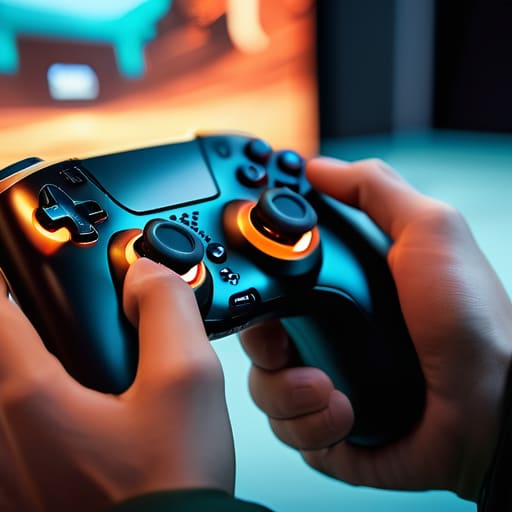
I remember sitting on my floor in the late nineties, surrounded by half-disassembled handhelds and a lukewarm cup of Earl Grey, feeling that specific, growing frustration. It was the first time I realized that “innovation” doesn’t always equal “improvement.” For years, the industry has peddled the idea that motion controls are a magical bridge to total immersion, but more often than not, they feel like a clumsy barrier between your intent and the game’s response. We’ve all been there: waving a controller around like a madman, only to have the character perform a half-hearted stumble instead of a precise strike. It’s not just annoying; it’s a break in the psychological flow that makes mastery feel impossible.
I’m not here to sell you on the hype or tell you that every gimmick is a revolution. Instead, I want to look at this technology through a more analytical lens. I’m going to show you how to move past the frantic, aimless waving and start treating motion controls as a deliberate, skill-based extension of your own body. We are going to strip away the nonsense and focus on the mechanics that actually work, helping you turn a frustrating gimmick into a tool for genuine, intentional play.
Table of Contents
- Decoding the Precision of Accelerometer and Gyroscope Technology
- Haptic Feedback Integration Feeling the Weight of Every Move
- Beyond the Gimmick: Five Ways to Master Intentional Movement
- Mastering the Motion: Three Pillars of Intentional Play
- The Intentionality of Movement
- Beyond the Gimmick: Finding Your Flow
- Frequently Asked Questions
Decoding the Precision of Accelerometer and Gyroscope Technology

To truly master these systems, we have to look past the novelty and understand the hardware doing the heavy lifting. At the heart of most modern controllers lies the interplay between accelerometer and gyroscope technology. While the accelerometer measures linear acceleration—essentially how fast you’re moving the device in a specific direction—the gyroscope tracks angular velocity, or the rotation around an axis. When these two sensors work in tandem, they allow the system to map your physical movements into the digital space with startling accuracy.
In my experience, the difference between a frustrating session and a flow state often comes down to how well a developer has tuned this human-computer interaction evolution. It isn’t just about sensing movement; it’s about how the software interprets the subtle nuances of your hands. When the calibration is tight, the controller stops feeling like a plastic peripheral and starts feeling like a natural extension of your intent. We aren’t just waving hardware around anymore; we are leveraging sophisticated sensors to bridge the gap between physical gesture and digital execution.
Haptic Feedback Integration Feeling the Weight of Every Move
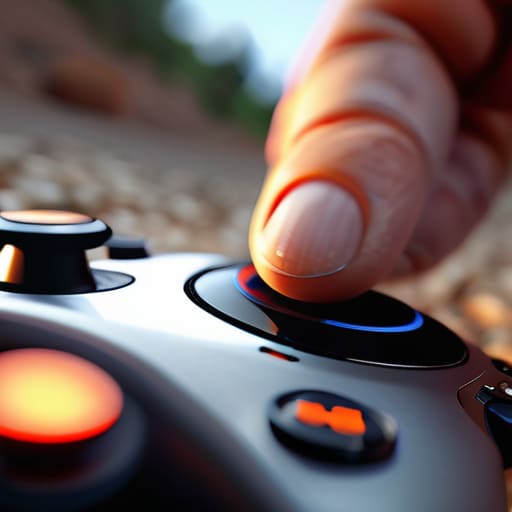
If the sensors we discussed earlier provide the “eyes” for your movements, then haptic feedback integration serves as the nervous system. In my early days with a standard controller, a vibration was just a blunt, binary rumble—a generic buzz that told you “something happened.” But modern systems have moved beyond that crude distraction. When a game uses precise haptics alongside motion sensing peripherals, the sensation becomes nuanced. You aren’t just feeling a shake; you’re feeling the specific resistance of a bowstring being pulled taut or the subtle grit of gravel beneath a virtual tire.
This connection is vital because it bridges the gap between visual input and physical intuition. When your hands feel the weight of an action, your brain stops treating the controller as a tool and starts treating it as an extension of your own body. This is where the real magic of human-computer interaction evolution happens. By syncing tactile responses with your physical gestures, developers can create a sense of intentionality that makes every swing of a sword or tilt of a cockpit feel grounded in reality, rather than just a series of digital commands.
Beyond the Gimmick: Five Ways to Master Intentional Movement
- Stop fighting the sensor drift. Most people treat motion controls like a toy, but if you want precision, you need to calibrate your hardware in a quiet space before every session. It’s the difference between a deliberate strike and a clumsy swipe.
- Find your physical anchor. Whether it’s a steady stance or leaning against a chair, your body needs a point of stability to minimize “noise” in your movements. If your core is loose, your aim will be too.
- Treat the controller as an extension of your hands, not a wand. Don’t use large, sweeping arm motions when a subtle flick of the wrist will suffice. The most skilled players use the smallest possible movement to achieve the maximum result.
- Lean into the haptic cues. If a game uses vibration to signal a lock-on or a parry window, don’t ignore it. Use that tactile feedback to time your inputs rather than relying solely on visual cues, which can be cluttered.
- Practice the “reset.” Motion controls can lead to physical fatigue and loss of accuracy. Every few levels, take a moment to reset your posture and your grip. A tired hand is an imprecise hand, and precision is what turns a casual player into a master.
Mastering the Motion: Three Pillars of Intentional Play
Stop fighting the hardware; treat the accelerometer and gyroscope as tools for precision rather than gimmicks to be endured.
Use haptic feedback as a sensory data stream to inform your decision-making, turning vibrations into a language of mechanical awareness.
Move with purpose—true mastery of motion controls comes when your physical gestures become a seamless extension of your strategic intent.
The Intentionality of Movement
Motion controls shouldn’t just be a gimmick to make you wave your arms; they should be a bridge between your physical intent and the digital system, turning every gesture into a deliberate act of skill rather than a frantic struggle against the hardware.
Delia Okonkwo
Beyond the Gimmick: Finding Your Flow
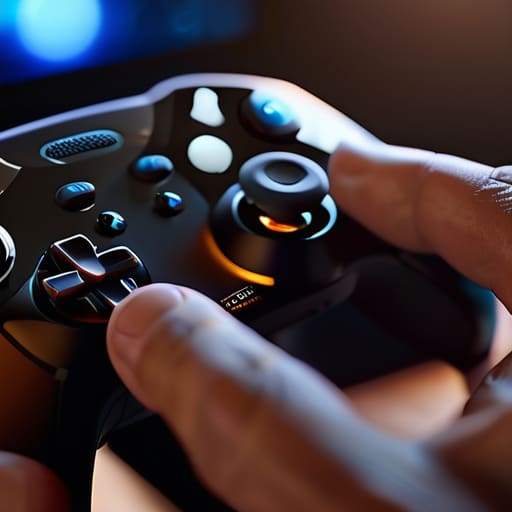
At the end of the day, mastering motion controls isn’t about chasing a novelty; it’s about bridging the gap between your physical intent and the digital response. We’ve looked at how the subtle math of accelerometers and gyroscopes provides the foundation for precision, and how haptic feedback transforms a mere vibration into something that feels like genuine physical resistance. When you stop fighting the hardware and start understanding these underlying systems, the controller stops being a barrier and starts becoming a seamless extension of your own body. It is the difference between flailing at a screen and executing a deliberate, calculated movement that feels entirely your own.
As I sit here with my tea, watching the light fade over my latest console restoration, I’m reminded that the way we interact with technology is constantly shifting. Motion controls might have been dismissed as a gimmick in the past, but for those willing to put in the work, they offer a unique path to deep immersion. Don’t settle for mindless button-mashing or clumsy gestures. Instead, approach these interfaces with curiosity and a desire for mastery. Treat every tilt, every swing, and every subtle twist as a chance to refine your skill. After all, the most rewarding way to play is to play with intention.
Frequently Asked Questions
How can I minimize the physical fatigue that often comes with extended sessions of motion-heavy gameplay?
To avoid the “gorilla arm” effect, stop treating motion controls like a frantic workout. It’s about efficiency, not exertion. Keep your elbows tucked near your ribs rather than flaring them out, and use small, deliberate wrist movements instead of full-arm swings. Think of it as micro-adjustments. If you find yourself tensing up, step back. Mastering the mechanics means knowing how to exert the minimum necessary force to achieve the maximum intended result.
Are there specific calibration techniques to stop the "drift" that makes precise aiming so frustrating?
Drift is the ultimate flow-killer. If your aim is wandering, start with a hard reset of your deadzones in the game settings; increasing that threshold slightly can mask sensor jitter. If you’re on a console, recalibrate the controller through the system menu to realign the center point. For the hardware enthusiasts, a quick blast of compressed air into the sensor housing often clears the debris causing those phantom inputs. Don’t just fight it—adjust your environment to match your gear.
How do I balance the immersion of motion controls with the raw speed and efficiency of traditional button inputs?
It’s the classic tension between feeling the world and actually winning the fight. I’ve found the sweet spot lies in hybridity. Don’t try to do everything with motion; use your thumbs for the rapid-fire, high-precision inputs that require muscle memory, and reserve motion for the sweeping, gestural movements that ground you in the space. Treat motion as your nuance and buttons as your engine. When they work in tandem, you aren’t just playing—you’re performing.
