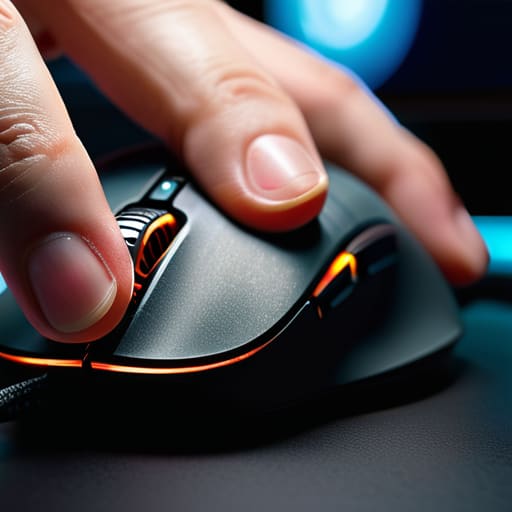
I remember sitting in my dim home office last Tuesday, nursing a cup of lukewarm Earl Grey, staring at a $150 “pro-grade” mouse that promised to fix my aim. I was frustrated, not because my gear was lacking, but because I was treating my equipment like a magic wand instead of a tool. We’ve been sold this lie that a higher DPI or a more expensive sensor is the silver bullet for performance, when the reality is far more tactile. Most players spend hundreds chasing specs while completely ignoring the most fundamental variable in their setup: their gaming mouse grip. If you aren’t intentional about how your hand actually interfaces with the hardware, you’re just fighting against your own biology.
I’m not here to sell you on the latest marketing hype or tell you that you need a specialized ergonomic overhaul to be competitive. Instead, I want to look at the mechanics of movement from a psychological and practical perspective. We are going to break down the different styles—palm, claw, and fingertip—to understand how each one alters your control and mental load. My goal is to help you move past mindless clicking and toward a deliberate mastery of your interface, ensuring your hand and your intent are finally in sync.
Table of Contents
- Optimizing Mouse Hand Positioning for Intentional Play
- How Gaming Mouse Shape and Size Dictate Precision
- Refining Your Connection: Five Ways to Bridge the Gap Between Hand and Hardware
- The Core Principles of Intentional Grip
- <h2>The Connection Between Hand and Hardware</h2>
- Beyond the Hardware: Finding Your Flow
- Frequently Asked Questions
Optimizing Mouse Hand Positioning for Intentional Play
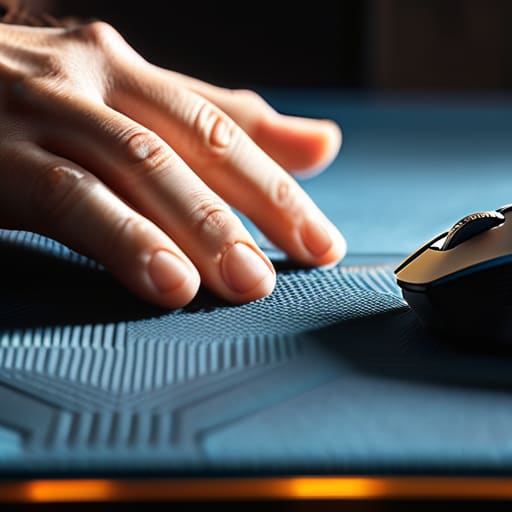
Once you’ve settled on a style, the real work begins with how your hand actually interacts with the hardware. It isn’t just about where your fingers rest; it’s about how your entire arm works in concert with the sensor. I’ve found that many players overlook the subtle tension held in their forearm, which can lead to fatigue during long sessions. Focusing on improving mouse control requires you to find a balance where your hand feels like an extension of your intent, rather than a heavy weight you’re dragging across a pad.
This is also where the physical geometry of your gear comes into play. You cannot expect precision if you are fighting against a device that feels foreign to your anatomy. The relationship between your mouse hand positioning and the specific gaming mouse shape and size is the difference between a fluid flick and a clumsy, panicked movement. If the device is too large, you’ll find yourself overextending; if it’s too small, you lose that sense of stability. Aim for a setup that allows for micro-adjustments without forcing your joints into unnatural angles.
How Gaming Mouse Shape and Size Dictate Precision
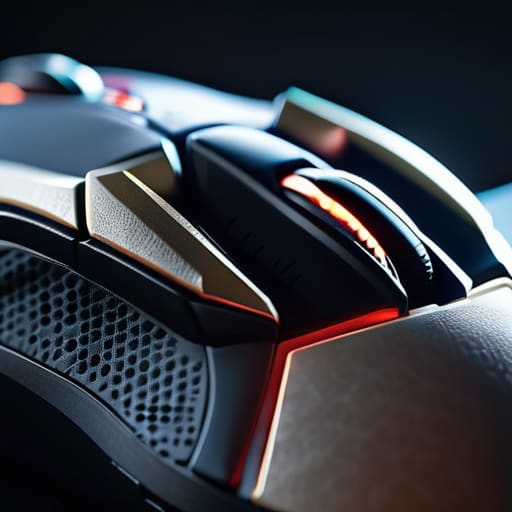
It’s easy to fall into the trap of thinking a better sensor or higher DPI is the magic fix for your aim. But after years of analyzing how we interact with these tools, I’ve realized that the physical architecture of the device is often the true bottleneck. When we talk about gaming mouse shape and size, we aren’t just discussing aesthetics; we are discussing the fundamental way your nervous system communicates with the digital space. If your mouse is too large for your palm, you’ll find yourself fighting the hardware just to maintain stability, which inevitably leads to fatigue.
A mouse that feels “right” is one that respects your natural anatomy. For those of us looking at improving mouse control, the geometry of the shell dictates how much leverage you actually have during high-stakes movements. A smaller, ambidextrous shape might invite a claw grip for rapid clicking, while a larger, ergonomic design supports a more relaxed palm placement. Choosing the wrong silhouette doesn’t just hinder your precision—it can lead to long-term issues like reducing wrist strain gaming becomes an impossibility if the device forces your hand into an unnatural, cramped posture.
Refining Your Connection: Five Ways to Bridge the Gap Between Hand and Hardware
- Stop fighting your anatomy; if you find yourself constantly shifting your hand to reach a button, your grip style is likely at odds with your mouse’s ergonomics.
- Prioritize stability over raw speed by ensuring your palm or fingertips have a consistent “anchor point” to prevent micro-jitters during high-stakes moments.
- Watch your tension levels like a hawk; a death grip might feel like control, but it actually creates muscle fatigue that sabotages your fine motor skills mid-session.
- Test your grip’s versatility by practicing transitions—can you move from a relaxed palm grip to a precise fingertip grip without feeling like you’re wrestling the device?
- Audit your mousepad surface in relation to your grip; a heavy-handed claw grip often requires more friction to maintain control than a light-touch fingertip style.
The Core Principles of Intentional Grip
Stop treating your mouse like a tool and start treating it like an extension of your nervous system; your grip style should bridge the gap between thought and action.
Don’t settle for a “standard” setup just because it’s popular; prioritize a shape and size that respects your hand’s unique anatomy to prevent fatigue and maintain long-term precision.
Recognize that mastery is a balance of stability and fluidity, where the right hand positioning transforms mindless clicking into deliberate, mechanical skill.
<h2>The Connection Between Hand and Hardware</h2>
“A mouse grip isn’t just about comfort; it’s the physical bridge between your intent and the game’s response. When you stop fighting your hardware and start mastering your positioning, you stop reacting to the screen and start commanding it.”
Delia Okonkwo
Beyond the Hardware: Finding Your Flow
At the end of the day, optimizing your setup isn’t just about buying the most expensive gear; it’s about the synergy between your biology and your tools. We’ve looked at how your hand positioning acts as the bridge between thought and action, and how the physical geometry of your mouse can either hinder or facilitate that connection. Whether you lean toward a claw grip for rapid-fire precision or a palm grip for sustained comfort during long sessions, the goal is to minimize the friction between intention and execution. Remember, a mouse that feels “right” isn’t just one that looks good on a desk, but one that allows you to command the mechanics without thinking twice about your fingers.
As I sit here with my tea, watching the light fade over my workbench, I’m reminded that mastery is a moving target. Your grip might evolve as your skill ceiling rises, or as you move from fast-paced shooters to more methodical strategy games. Don’t get discouraged if your first attempt at a new technique feels clumsy; muscle memory is a slow build, not an instant switch. Treat your hardware as an extension of your own nervous system, and approach your practice with patience and purpose. Gaming is a lifelong evolution, and finding your perfect grip is just one more way to play with intention.
Frequently Asked Questions
How do I know if my current grip is causing long-term strain or repetitive strain injuries?
Listen to your body, not your ego. If you feel a dull ache in your wrist or a tingling sensation in your fingers after a session, that’s your nervous system sending a distress signal. Don’t ignore it. I’ve seen many players push through “the burn,” but that’s how chronic issues start. If you’re experiencing stiffness or localized pain that persists even when you aren’t playing, your grip is likely working against your anatomy.
Is it worth switching to a smaller mouse if I want to transition from a palm grip to a claw grip?
In short: yes, it’s often necessary. Transitioning to a claw grip requires more dexterity and a tighter “arch” with your fingers. A large mouse designed for palm resting will likely fight your natural anatomy, forcing your hand into a cramped, inefficient position. Switching to a smaller, more contoured shape gives you the clearance needed to engage those finger muscles effectively. It’s about choosing a tool that facilitates your intent rather than one that limits it.
How much does the texture or coating of a mouse actually impact my ability to maintain precision during high-intensity sessions?
It’s easy to overlook, but texture is the silent bridge between your intent and the game’s response. During high-intensity sessions, your hands naturally sweat, which can turn a smooth plastic shell into a literal slip-and-slide. If you’re constantly micro-adjusting your grip just to keep the mouse steady, you’re wasting cognitive load that should be spent on the mechanics. A high-quality matte coating or even grip tape provides the tactile stability needed for true precision.
