I remember sitting on my bedroom floor in 1988, thumb-calloused and completely absorbed in a flickering arcade cabinet, never once questioning how I interacted with the machine. Fast forward to my desk today, and that simplicity has vanished, replaced by the endless, often heated debate of controller vs mouse. It’s no longer just about which device feels “right”; it’s a fundamental question of how we interface with a digital system to achieve peak performance. Whether you are chasing the pixel-perfect precision of a high-DPI sensor or the intuitive, tactile flow of an analog stick, the choice you make dictates the very ceiling of your skill.
I’m not here to give you a list of specs or tell you which one is objectively superior—that’s a meaningless metric. Instead, I want to help you look at these tools through a more analytical lens. We are going to break down how each input method shapes your cognitive load and your ability to master complex mechanics. My goal is to provide a no-nonsense breakdown of how to choose the tool that actually aligns with your playstyle, ensuring you play with intentionality rather than just settling for whatever is plugged in.
Table of Contents
- The Tactile Intuition of the Controller
- The Surgical Precision of the Mouse
- Mastering Aim Precision in Fps Games Through Superior Input
- Comparing Controller Analog Stick vs Mouse Sensitivity for Control
- Finding Your Edge: The Final Verdict
- Beyond the Input Device
- Choosing Your Path to Mastery
- Frequently Asked Questions
The Tactile Intuition of the Controller
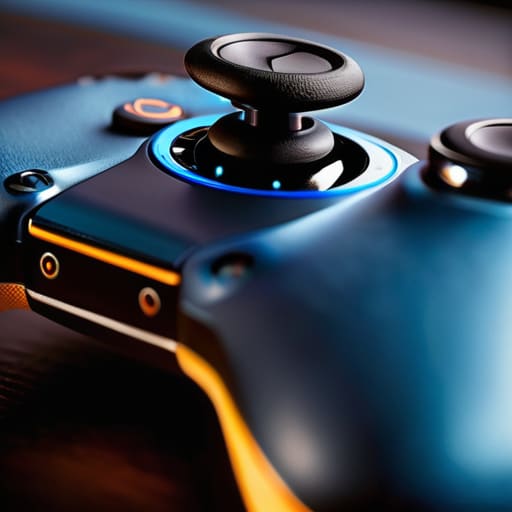
A controller is a dedicated input device designed to translate complex digital commands into physical, ergonomic movements through buttons, triggers, and analog sticks. Its core mechanism relies on analog input, which allows for a nuanced range of motion that feels much more organic than a simple binary switch. When we talk about the debate of controller vs mouse, the controller’s main selling point is its ability to provide a seamless, tactile connection between the player and the game’s physics, particularly in 3D environments.
For me, using a controller isn’t just about convenience; it’s about how the device facilitates a specific kind of flow state. When I’m navigating a sprawling open world or leaning into a high-speed racer, the thumbsticks allow me to interact with the world through subtle, graduated gestures rather than sudden, jagged movements. It transforms the act of playing from a series of clicks into a more rhythmic, almost physical dance. It’s less about raw data entry and more about feeling the game’s momentum through your fingertips.
The Surgical Precision of the Mouse
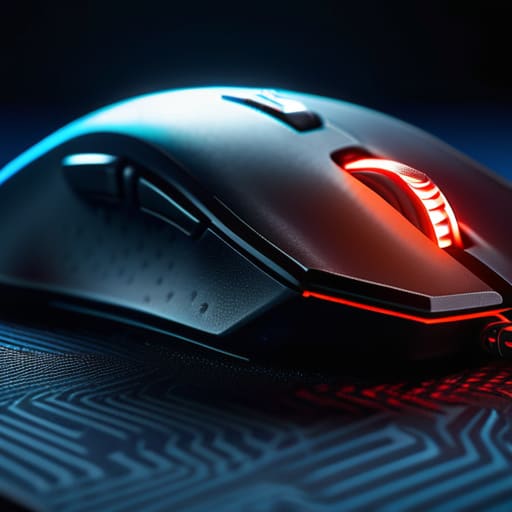
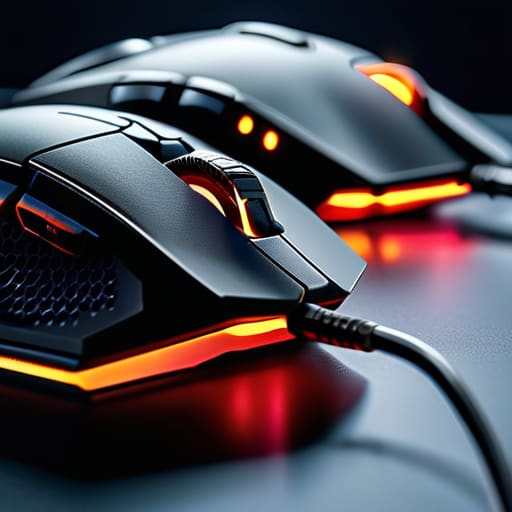
The mouse is a pointing device that utilizes optical sensors to translate hand movements into precise cursor or camera trajectories on a screen. Its primary mechanism is based on high-fidelity spatial tracking, offering a level of granular control that is unmatched by any other consumer input method. In the ongoing discussion of controller vs mouse, the mouse stands out as the gold standard for accuracy, providing the player with a direct, one-to-one relationship between their hand’s micro-movements and the game’s response.
I’ve always viewed the mouse as a specialized tool for those who want to deconstruct a system through sheer technical skill. There is a specific, cerebral satisfaction that comes from the ability to snap to a target or execute a pixel-perfect maneuver with a flick of the wrist. It demands a higher level of discipline and fine motor coordination, but the payoff is a sense of absolute agency. When you master the mouse, you aren’t just playing the game; you are extending your intent directly into the digital architecture with surgical efficiency.
Comparison of Gaming Input Methods
| Feature | Controller | Mouse |
|---|---|---|
| Primary Input Type | Analog sticks and triggers | Optical sensor and buttons |
| Precision Level | Moderate (aim assist dependent) | High (pixel-perfect) |
| Movement Style | 360-degree fluid motion | Linear/Directional snapping |
| Best For | Racing, Sports, and Third-Person Action | FPS, RTS, and Competitive Shooters |
| Ergonomics | Relaxed/Leaning back | Focused/Postural |
| Learning Curve | Low (Intuitive) | Moderate (Requires muscle memory) |
| Price Range | Low to Moderate | Moderate to High (for enthusiast models) |
Mastering Aim Precision in Fps Games Through Superior Input
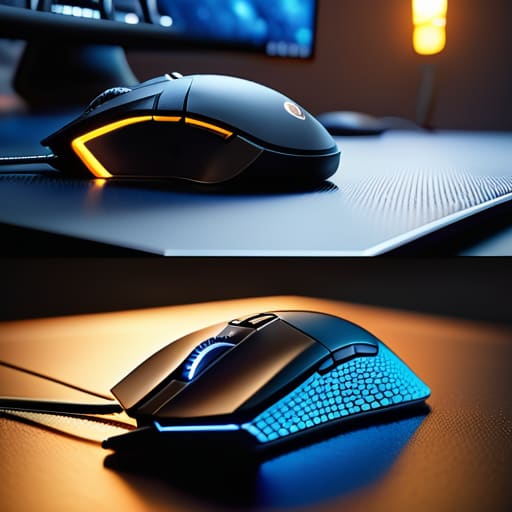
When we talk about FPS games, we aren’t just talking about clicking heads; we are talking about the neurological bridge between your intent and the screen. In a high-stakes firefight, your ability to translate a mental command into a precise pixel-perfect movement is what separates a casual player from someone who truly understands the system. If your input method creates even a millisecond of friction, you aren’t playing the game—you’re fighting your own hardware.
The mouse is, quite frankly, the gold standard for raw, granular control. Because it utilizes your entire arm and wrist, you have a virtually infinite range of motion to make those micro-adjustments that define high-level play. On the other hand, controllers rely heavily on thumbsticks, which are inherently limited by their physical travel distance. While modern “Aim Assist” algorithms attempt to bridge this gap by creating a magnetic-like pull, it often feels like the game is playing for you rather than you playing the game.
For pure, unadulterated aim precision, the mouse is the undisputed winner. It offers a level of agency and mechanical depth that a joystick simply cannot replicate.
Comparing Controller Analog Stick vs Mouse Sensitivity for Control
When we talk about control, we aren’t just talking about moving a cursor; we’re talking about the neurological bridge between your intent and the game’s response. If your input method feels disconnected, you aren’t playing the game—you’re fighting your own hands. Mastering this specific layer of input is what separates a player who reacts from a player who anticipates.
With a mouse, you have a near-infinite range of motion. Your hand acts as a physical lever, allowing for granular, pixel-perfect adjustments that feel incredibly intuitive to the human brain. It is a direct, linear relationship between your wrist and the screen. Controllers, however, rely on the limited arc of an analog stick. Because you can’t “flick” a stick with the same spatial precision as a mouse, developers have to implement software-side assistance—like aim assist—to bridge that gap.
This creates two entirely different skill ceilings. Mouse users rely on raw, manual dexterity and muscle memory, whereas controller players must master the subtle dance of sensitivity settings and deadzones. If you want absolute, unadulterated agency over every millimeter of movement, the mouse is the undisputed winner for pure, manual control.
Finding Your Edge: The Final Verdict
Don’t let gear dictate your skill; choose the input method that aligns with your cognitive style, whether that’s the twitch-reflex precision of a mouse or the rhythmic, tactile feedback of a controller.
Mastery comes from intentionality, so stop fighting your hardware and start practicing the specific muscle memory that your chosen tool demands.
There is no universal “best”—only the tool that allows you to stop thinking about the buttons and start focusing on the mechanics of the game itself.
Beyond the Input Device
“Choosing between a controller and a mouse isn’t about deciding which one is objectively superior; it’s about deciding which interface allows you to stop fighting the hardware and start engaging with the game’s soul.”
Delia Okonkwo
Choosing Your Path to Mastery
Ultimately, the debate between controller and mouse isn’t about finding a universal winner, but about identifying which input method aligns with your personal goals. If you are chasing the pixel-perfect precision required for competitive FPS titles, the mouse is your most reliable ally. However, if you prioritize the ergonomic comfort and the tactile, intuitive flow of analog sticks for more cinematic or action-oriented experiences, the controller is hard to beat. It comes down to a trade-off between raw mechanical accuracy and the specific type of control you find most natural. There is no “right” answer, only the tool that allows you to execute your intent without the hardware getting in your way.
As someone who has spent decades navigating everything from arcade sticks to modern peripherals, I’ve learned that the gear is secondary to the mindset. Don’t let the pursuit of the “perfect setup” become a distraction from the actual act of playing. Whether you are clicking heads with a high-DPI mouse or leaning into the rumble of a controller, the goal remains the same: to engage deeply with the system in front of you. Stop worrying about what the pros use and start focusing on what lets you play with intention. Mastery is a lifelong pursuit, and the best tool is whichever one helps you find your flow.
Frequently Asked Questions
Does the rise of aim assist on controllers actually bridge the gap for competitive play, or is it just a crutch?
It’s a polarizing question, but from a psychological standpoint, it’s about how we define “skill.” Aim assist isn’t a magic fix; it’s a compensator for the inherent limitations of thumbsticks compared to the physical leverage of a mouse. While it narrows the gap in high-stakes competitive play, calling it a “crutch” ignores the unique mastery required to work with those software corrections. It doesn’t bridge the gap so much as it recalibrates the playing field.
How much does my physical setup—like desk space or a comfortable chair—influence which input method I should commit to?
Your environment dictates your ceiling. If you’re working with a cramped desk or a shallow mousepad, you’re essentially fighting your own furniture to achieve precision. A mouse requires “real estate” for sweeping movements; without it, your aim will always feel restricted. Conversely, a controller is much more forgiving of tight spaces. Don’t overlook your ergonomics, either—if your chair doesn’t support a stable posture, you’ll struggle to maintain the consistent tension needed for either input.
If I want to transition from casual console gaming to competitive PC play, which learning curve should I prepare for first?
Prepare for a steep, often frustrating climb. You aren’t just learning new buttons; you’re rewiring your muscle memory. Transitioning from the predictable, smoothed-out input of a controller to the raw, unassisted precision of a mouse requires a complete overhaul of your hand-eye coordination. Expect your aim to feel erratic at first. Don’t rush it. Treat it like restoring a vintage handheld—it takes patience and deliberate practice to find that perfect, intuitive rhythm.
